Website Notes · July 10, 2026
Redesign vs. Restructure: What Your Site Needs
When a website stops working, the first instinct is usually to redesign it. New colors. New fonts. New homepage. New images. A cleaner look.
Sometimes that is enough. But often the real issue is not only how the site looks. It is how the site is organized.
A redesign changes the visual presentation. A restructure changes the way the website explains the business, guides visitors, supports SEO, and helps people take action. Knowing the difference can save time, money, and frustration.
What a redesign fixes
A redesign focuses on appearance and presentation. It can improve the first impression, modernize the layout, update typography, improve spacing, clean up mobile views, and make the site feel more polished.
A redesign may be the right move if the content is already strong and the business is clearly explained, but the site looks dated or visually inconsistent.
For example, a consultant with clear services and good copy may simply need a cleaner interface. A photographer with strong images may need a better portfolio layout. A studio may need more refined spacing, stronger calls to action, and better mobile presentation.
What a restructure fixes
A restructure goes deeper. It deals with the way the site is planned.
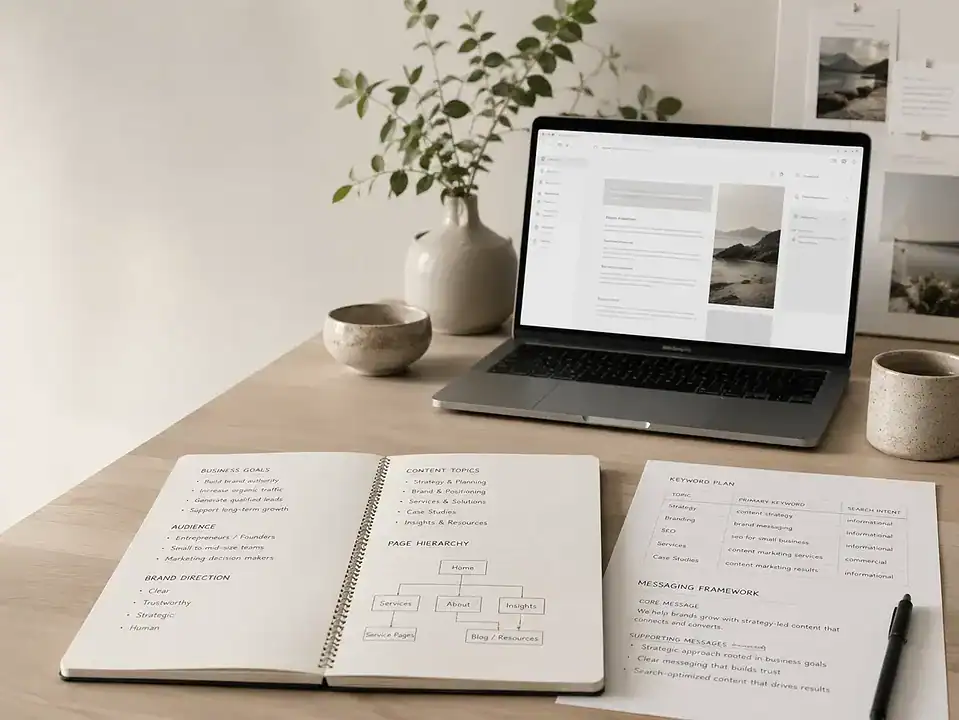
A restructure may involve rewriting navigation, separating services into stronger pages, improving the homepage flow, creating better calls to action, reorganizing portfolio work, rewriting content, improving SEO titles, and removing pages that no longer help.
This is usually needed when visitors do not understand what the business offers, important services are buried, pages are too thin, or the site does not match how the business actually sells.
A restructure is often the missing step when a site looks fine but still feels confusing.
Signs you need a redesign
You may need a redesign if:
- The site looks visually outdated.
- The mobile layout feels clumsy.
- The typography, colors, or spacing feel unpolished.
- The images are strong, but the layout does not support them.
- The brand has improved but the site still looks old.
In those cases, a visual update can make the business feel more credible quickly.
Signs you need a restructure
You may need a restructure if:
- Visitors ask questions the website should already answer.
- Services are grouped in a confusing way.
- The homepage does not explain the business clearly.
- Service pages are too short or too vague.
- The site is not built around search intent.
- Calls to action are weak or missing.
- Old content is still shaping the visitor experience.
These are not just design problems. They are clarity problems. A cleaner layout will not fix unclear structure.
When you need a full rebuild
Sometimes the answer is both.
A full rebuild makes sense when the design, content, structure, platform, and backend are all holding the business back. This is common with older WordPress sites, rushed template builds, plugin-heavy setups, outdated portfolios, or websites that staff cannot update safely.
A rebuild can include a new structure, new design, new photography, revised copy, SEO-friendly page planning, custom WordPress sections, forms, dashboards, WooCommerce, and better content management.
That is where FultonStudio’s web design and development work overlap. The site needs to look better, but it also needs to work better.
Do not skip the content
The biggest mistake in a redesign is keeping weak content and expecting the new look to solve everything.
If the services are vague, the images are inconsistent, or the customer path is unclear, the redesigned site will carry the same problems in a nicer package.
Before redesigning, audit the content. Look at the homepage, service pages, about page, contact flow, images, calls to action, and SEO structure. Decide what should stay, what should be rewritten, and what should be removed.
If the service pages are thin, use a stronger service page framework before touching the layout.
The practical answer
The best answer is usually not “redesign or restructure.” It is sequencing.
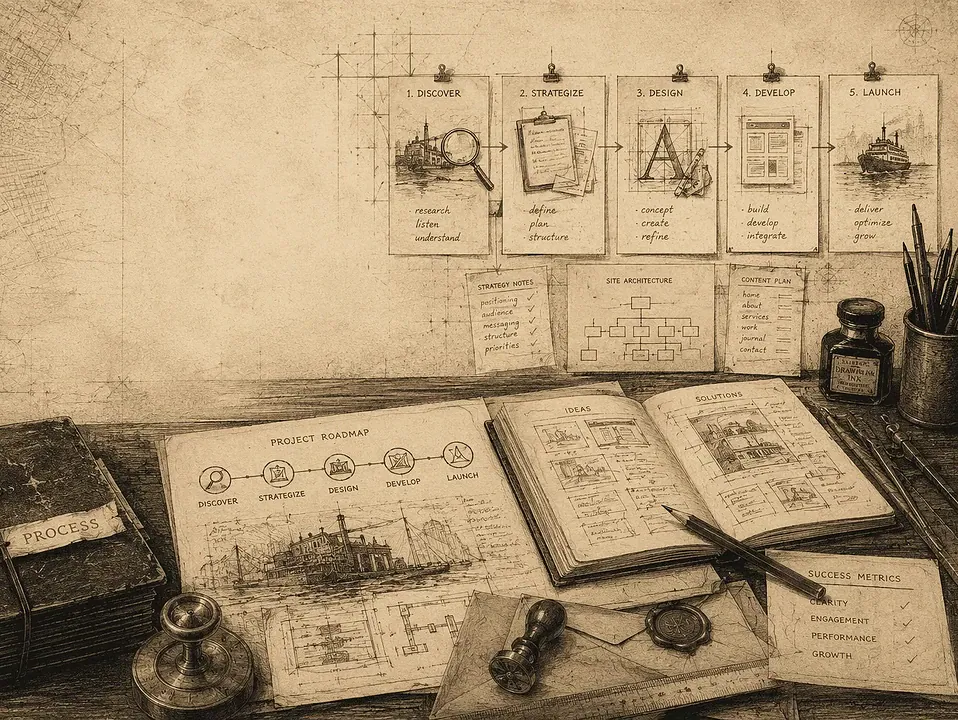
First, identify what is unclear. Then restructure the site around the business and visitor path. Then redesign the visual system around that clearer structure.
That creates a stronger result than changing the look first and trying to fix the message later.
How FultonStudio can help
FultonStudio helps businesses decide whether their site needs a visual refresh, a deeper restructure, or a full WordPress rebuild. We look at content, visuals, customer flow, SEO structure, photography, forms, backend tools, and the business model behind the site.
If you are unsure which path fits your site, start with a website review. If you already know the site needs rebuilding, send a project request and we can talk through the right scope before you commit to the wrong fix.