Website Notes · July 10, 2026
What Goes on a Service Page and Why It Matters
A service page is one of the most important pages on a business website. It is where interest turns into understanding.
The homepage gives the overview, but a service page explains the offer. It should help the visitor understand what the service is, who it is for, what problem it solves, what is included, and what to do next.
Many service pages are too thin. They list the service, add a short paragraph, and end with a contact button. That may be technically complete, but it does not build enough trust.
Start with the problem the visitor has
A strong service page should begin with the visitor’s situation, not just the company’s capabilities.
Before listing what you offer, explain the problem or need that brings someone to the page. A person looking for web design may have an outdated site, weak visuals, scattered content, poor mobile layout, or no clear way for visitors to contact them. A person looking for branding may not know how to present the business consistently. A person looking for photography may need images that finally match the quality of the service.
When the page names the problem clearly, the visitor feels understood.
Explain what the service actually includes
A service page should say what is included in plain language. Avoid vague phrases that sound good but do not explain the work.
For web design, that may include site planning, page structure, website and CMS development, responsive design, content organization, SEO titles, forms, photography direction, and launch support.
For branding, that may include logo direction, color palette, typography, visual system, brand assets, print design, and image style.
For photography, that may include portraits, products, editorial images, studio photography, website hero images, and image preparation for web.
Specifics help people understand the value.
Show who the service is for
Not every service is for every client. A page becomes stronger when it names the right audience.
For example, a web design service may be for small businesses, creative brands, consultants, artists, galleries, media companies, or service providers that need clearer content and a stronger online presence.
That helps visitors self-identify. It also helps the business avoid poor-fit leads.
Explain the process
People are more likely to inquire when they understand what happens next. A simple process section can reduce uncertainty.
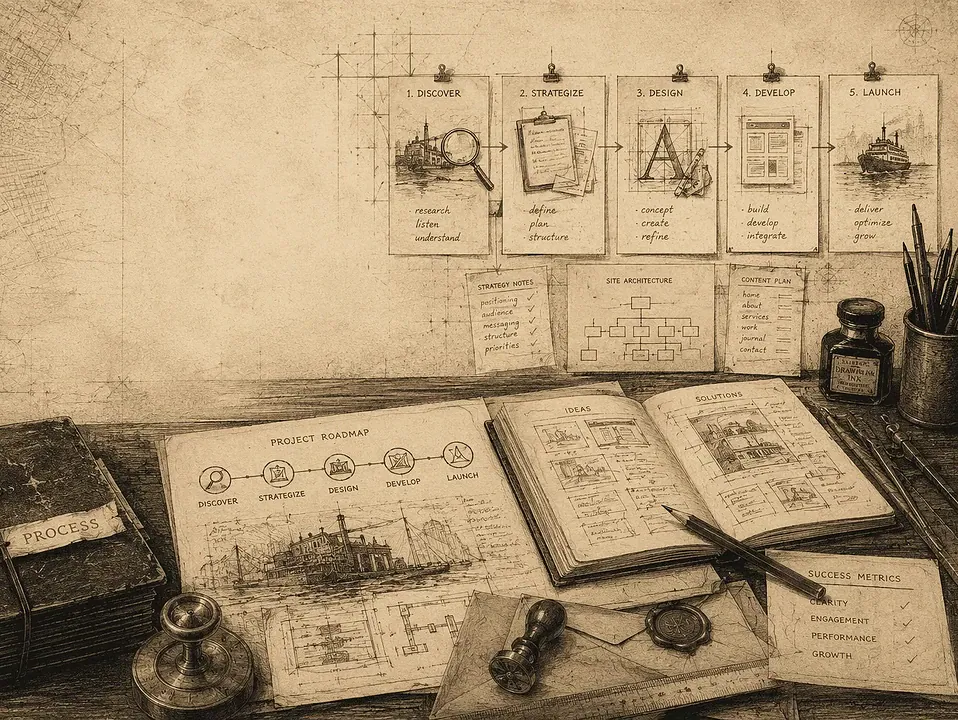
The process does not need to be long. It may include discovery, content review, structure, design, development, revisions, launch, and ongoing support.
This is also where internal links can help. If a visitor wants the bigger picture, send them to the full process page. If they want to understand pricing, point them toward pricing guidance rather than leaving them guessing.
Use visuals that support the page
Images should not be filler. They should support the service.
For web design, that might mean screenshots, layout mockups, device views, backend dashboards, or before-and-after examples. For photography, it may mean polished portraits, product images, editorial work, or branded website visuals. For branding, it may include logo studies, color systems, print pieces, and social graphics.
FultonStudio’s advantage is that visuals and web strategy can be planned together. Instead of forcing random images into a design, the site can be shaped around the photography and content the business actually needs.
Add proof
A service page should include proof when possible. That might be case studies, before-and-after examples, testimonials, project screenshots, client results, or clear examples of the work.
Proof does not always have to be dramatic. Sometimes it is enough to show that a business now has clearer pages, better mobile structure, stronger visuals, a cleaner dashboard, or an easier inquiry flow.
If there are relevant examples, link to them. A service page about web design can point toward case studies or related articles such as building around the business instead of the template.
Answer common questions
A short FAQ section can make a service page more useful. It can answer questions about timeline, content, photography, WordPress access, e-commerce, payment systems, maintenance, or what the client needs to provide.
FAQs also help with search because they naturally include the language people use when researching a service.
Make the call to action clear
A service page should not end vaguely. It should tell the visitor what to do next.
That may be:
- Request a website review.
- Send a project request.
- Ask about photography.
- Schedule a consultation.
- Start with a smaller audit before committing to a rebuild.
The best call to action matches where the visitor is in the decision process. Someone who is unsure may need a review. Someone who is ready may need a request form.
How FultonStudio can help
FultonStudio builds service pages that explain the offer, support search, use strong visuals, and help visitors take action. We combine web design, website and CMS development, copy structure, photography, branding, print design, and digital tools so each service page feels useful instead of generic.
If your service pages are too vague, too short, or not bringing in the right inquiries, start with a website review or send a project request so we can help clean up the message and structure.