Website Notes · June 2, 2026
Why Small Businesses Need Website Dashboards They Can Update Safely

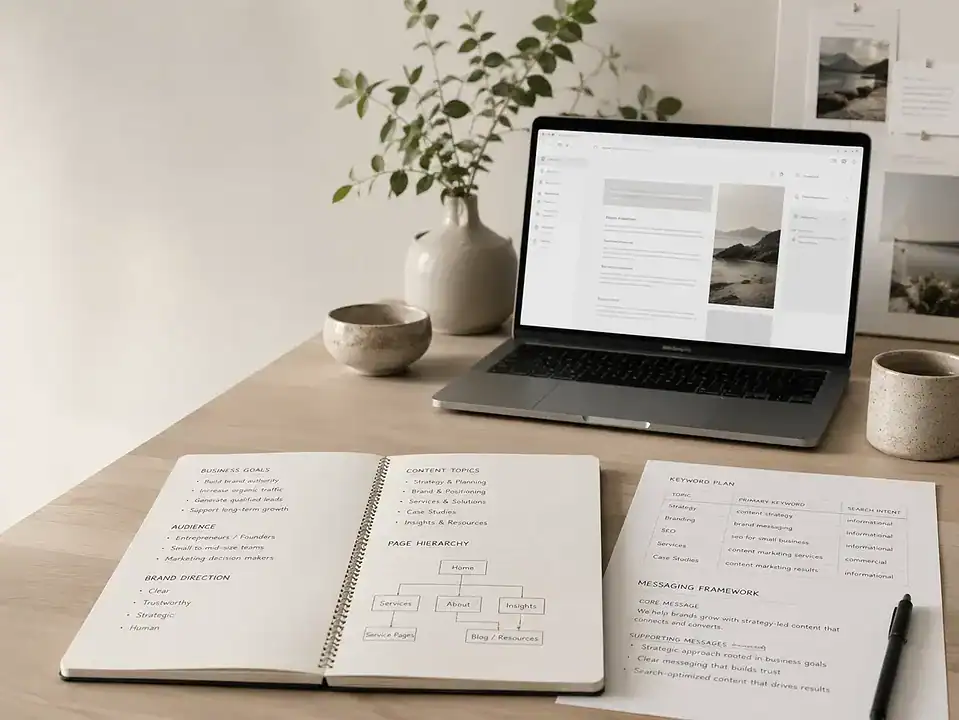
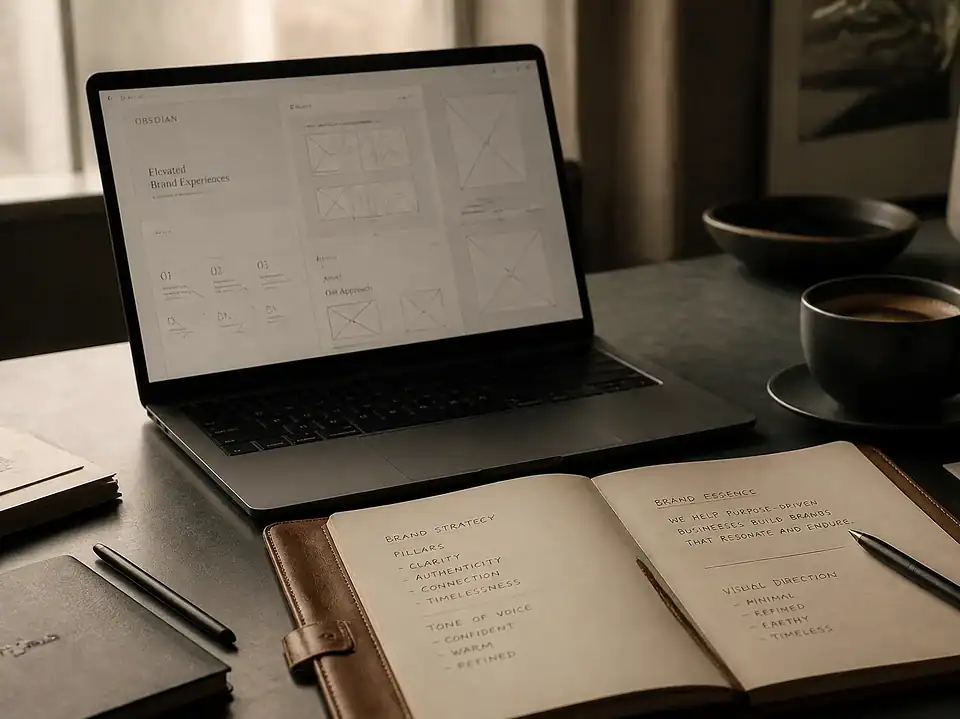
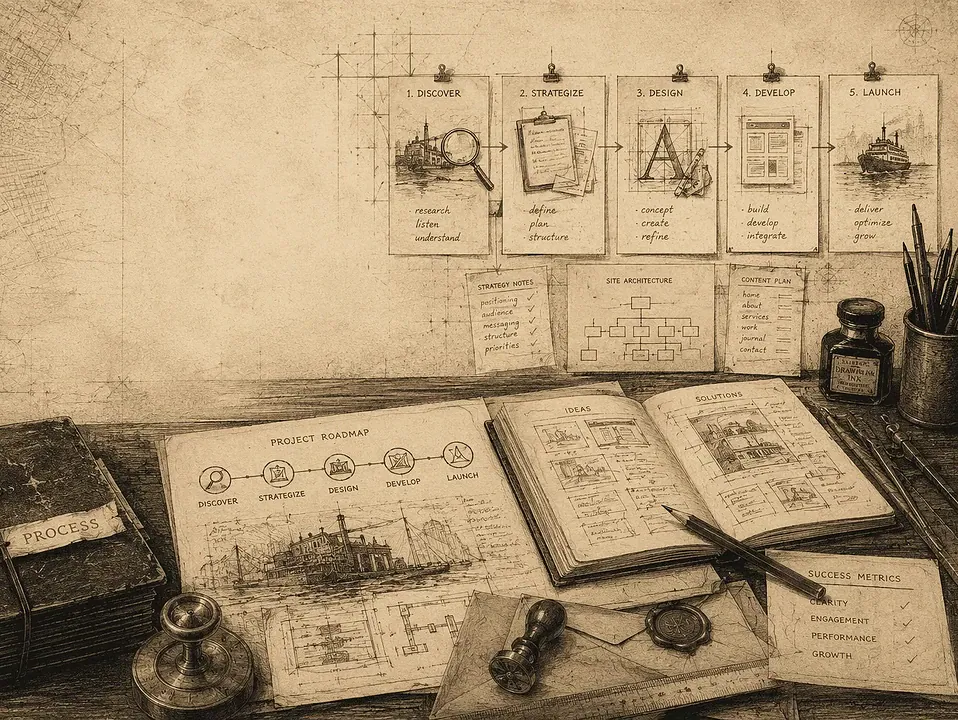
Editorial website strategy visuals, clean desk scenes, annotated website pages, dashboard screens, content planning boards, strong negative space, Lower Manhattan studio feel. Use real-client-photo-first thinking, no fake people unless approved, no misleading scenes, and a trustworthy editorial composition for the topic “Why Small Businesses Need Website Dashboards They Can Update Safely.”
Custom Website Dashboard & CMS Editing
Why Small Businesses Need Website Dashboards They Can Update Safely
A website should not feel fragile every time someone needs to change a sentence, swap a photo, or publish an update. For many small businesses, the real problem is not the website itself. It is the editing experience behind it. A custom website dashboard for small business can make everyday updates clearer, safer, and easier to manage after launch.
Most small businesses do not need more software. They need less confusion.
That distinction matters. A business owner may invest in a new website with the best intentions, only to discover that simple updates still feel risky. The login area is crowded with options. Page builders expose too many controls. Team members are not sure what they can change without breaking formatting, damaging search visibility, or accidentally publishing something unfinished. So the website sits there, technically live but increasingly out of date.
This is where a safer editing system becomes less of a design detail and more of a business tool. A website that cannot be updated comfortably tends to become unclear over time. Service details drift. Staff pages age. offers expire. Important announcements get delayed because nobody wants to touch the backend. And when that happens, the public website starts telling the wrong story.
At FultonStudio, a Lower Manhattan creative and web studio led by Ken Jones, this issue often shows up after launch, not before. The site may look finished on the front end, but the dashboard behind it does not match the way the business actually works. That mismatch is what a thoughtful custom setup is meant to solve.
The real problem behind hard-to-manage websites
When people search for a custom website dashboard for small business, they are rarely asking for a dashboard in the abstract. They are usually trying to solve a practical frustration:
- “We need to update our site ourselves, but the editing screen is a mess.”
- “Only one person knows how to make changes, which is a problem.”
- “We are afraid of breaking the layout.”
- “The site was launched, but no one set it up for day-to-day use.”
These are not minor inconveniences. For a small business, website publishing is often tied directly to sales, trust, and communication. If a bakery cannot update holiday hours, if a consultant cannot revise service language, or if a studio cannot post current work cleanly, the website stops helping the business do its job.
In many cases, the issue is not that the team lacks discipline. It is that the content system was built from the developer’s point of view instead of the client’s. A good dashboard should reduce decision fatigue. It should help users edit what matters and avoid what does not.
What “safe” editing actually means
“Safe” does not just mean secure in a technical sense, although permissions and access controls are part of it. Safe also means operationally safe. It means someone on the team can make normal updates without feeling like they are one wrong click away from damaging the site.
A safer website dashboard often includes:
- Clear labels instead of vague backend language
- Restricted access to tools the client should not need
- Structured fields for headlines, text, images, and links
- Reusable page sections that protect layout consistency
- Editorial guidance inside the CMS
- Workflows that separate content editing from design changes
That kind of setup changes the experience. Rather than opening a page and seeing dozens of editable elements with no context, the user sees a cleaner path: update this headline here, replace this image there, add a short summary in this field, and preview before publishing.
For small teams, that level of clarity matters more than a long list of features. A website backend should support routine use, not demand constant technical caution.
Why a custom dashboard matters for small businesses
Generic content management systems often try to serve everyone. Small businesses, on the other hand, usually need something more specific. They may only update a few key areas regularly: service pages, staff bios, articles, portfolio items, testimonials, location details, or homepage sections. If the backend is designed around those real tasks, the site becomes much easier to maintain.
That is the practical value of a custom dashboard. It is not customization for its own sake. It is simplification with purpose.
A custom setup can reflect the actual structure of the business:
- A law office may need tightly controlled profile and practice-area updates.
- A restaurant may need easy editing for menus, events, and announcements.
- A service business may need quick changes to offerings, FAQs, and lead pages.
- A studio may need orderly image management and project publishing.
In each case, the editing system should match the publishing rhythm of the organization. That is one reason website planning matters before development begins. A thoughtful build starts by asking who will update the site, what they will need to change, and what should stay protected. FultonStudio often addresses this as part of site review and audit work, because backend usability is part of whether a website is truly functioning well.
Common risks of generic admin setups
Small businesses often inherit websites that technically work but are difficult to manage. The risks tend to be predictable.
1. Too many editing options
When every page can be redesigned from scratch by any logged-in user, routine updates become dangerous. Flexibility without boundaries usually creates inconsistency.
2. Important content is buried
If common tasks are hidden behind unclear menus, users delay updates or avoid them altogether. A dashboard should surface the parts of the site people actually need.
3. SEO structure gets damaged accidentally
Even without discussing rankings, basic search visibility depends on clear page structure, useful copy, and clean metadata. If the backend makes it easy to erase headings, duplicate titles, or publish messy page content, the site becomes weaker over time. This is one reason content and CMS structure should work together, not separately.
4. Only one person can manage the site
That may feel efficient at first, but it creates bottlenecks and risk. Staff changes, vacation schedules, and simple availability can all leave the website frozen.
5. The site becomes launch-only instead of useful
A site that looked polished on day one can become stale in a matter of months if the dashboard was never built for ordinary use. This is closely related to the idea explored in Website Care Is Not Just Maintenance: a useful site needs care, not just occasional repairs.
What a useful dashboard should include
A better dashboard does not need to feel elaborate. In fact, the best ones usually feel calm.
For a small business, a strong setup often includes:
- Role-based access: Different users should see different tools based on responsibility.
- Clean page templates: Core pages should have a consistent structure that supports editing without inviting visual drift.
- Custom fields and content blocks: Instead of one giant unstructured text area, users should have clear places to enter specific information.
- Dashboard notes or instructions: Short, built-in guidance helps teams work confidently and consistently.
- Protected design settings: Brand, layout, and technical controls should not be mixed with everyday content edits.
- Preview and review habits: Publishing should include a simple check before changes go live.
This kind of structure supports more than convenience. It supports editorial quality. It helps a business keep its website clear, current, and aligned with how it wants to be understood.
That is especially important when a website is already telling an unclear story. If the messaging, content hierarchy, and editing system are all tangled together, rebuilding the backend alone will not fully solve the problem. Sometimes the right first step is stepping back to assess the broader picture, as discussed in Why Your Website May Be Telling the Wrong Story.
How to evaluate the right setup
If you are considering a new CMS setup or a rebuild of your current one, it helps to ask direct questions early.
- Who on our team will actually update the site?
- What changes do we make most often?
- What parts of the website should be easy to edit?
- What parts should stay protected?
- Can the provider show how the dashboard will work before launch?
- Will the backend include guidance, structure, and role controls?
A thoughtful provider should be able to answer those questions plainly. They should also be able to explain whether the site needs a redesign, a restructure, or simply a better editing system. Those are not the same thing, and confusing them can waste time and budget. FultonStudio addresses that distinction in Redesign vs. Restructure: What Your Site Needs.
It is also worth paying attention to whether a studio treats post-launch use as part of the project or as an afterthought. A polished homepage is not enough if the business cannot manage the site afterward. A safer dashboard should be part of the original strategy, not a patch added later because the client is struggling.
For businesses in Lower Manhattan and across New York, that often means choosing a studio that can look at the website as a working business tool: structure, content, editing process, and ongoing care. That mix is central to FultonStudio’s approach across custom website dashboard and CMS editing, planning, content cleanup, and website care.
Questions worth answering
What should a small business do first if their website is hard to update?
Start by identifying which updates happen most often and where the process breaks down. If common changes feel risky or confusing, the issue may be dashboard structure rather than staff training alone.
Is a custom dashboard only for large or complex websites?
No. Small businesses often benefit the most from a simpler, better-organized editing environment because they usually have smaller teams and less time to manage technical friction.
Can a safer dashboard help without a full redesign?
Sometimes, yes. If the front-end site is broadly sound but the backend is cluttered or poorly organized, a restructure of the editing experience may be enough. In other cases, content, design, and CMS issues are connected and should be addressed together.
What makes a dashboard feel “safe” in daily use?
Clear permissions, fewer unnecessary controls, structured content fields, and simple editing guidance. The goal is confidence, not just access.
A practical next step
A website should not become untouchable the moment it launches. For a small business, the real value of a site often shows up later, when someone needs to update it quickly, confidently, and without calling a developer